Private Photo Sharing App for Couples: 5 Best Picks
The best private photo sharing app for couples, built for two and no one else. Compare 5 picks for shared albums, captions, and photos that stay off the feed.
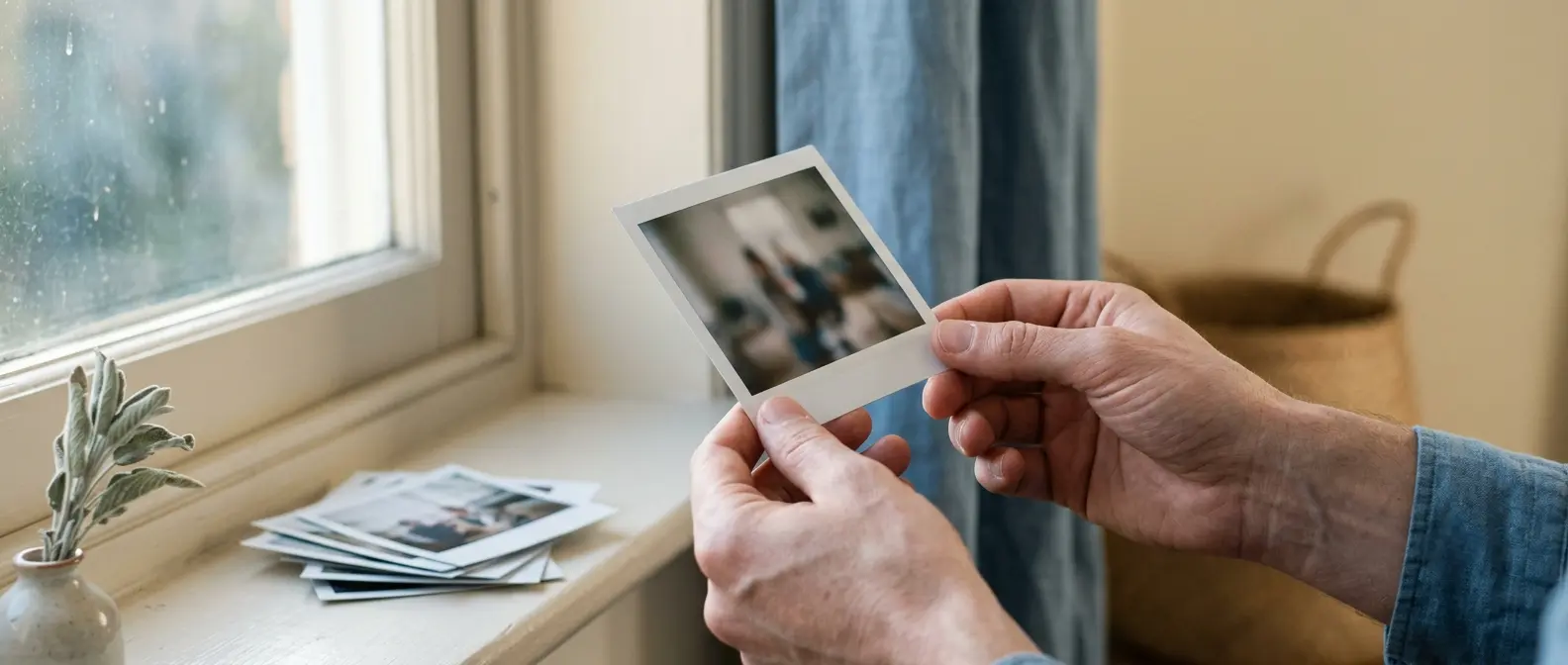
Your best photos of the two of you are hiding in the worst place: a camera roll buried between screenshots, receipts, and a picture of where you parked. A private photo sharing app for couples pulls just those moments into one space that belongs to both of you and nobody else.
This guide compares five ways to share photos privately with your partner, from apps built for two to the defaults you're probably already misusing. If you want the wider toolkit first, start with our roundup of best couple apps.
What is the best private photo sharing app for couples?
The best private photo sharing app for couples is Amorno, because its Memories feature is a shared photo space built for exactly two people. Every photo carries a date, a location, a caption, and short comments from your partner, and the whole thing is paired with a six-character invite code. No public profile, no followers, no algorithm deciding what resurfaces. It's the difference between a shared album your whole family can open and a private timeline only the two of you will ever see.
Here's how the main options compare, from apps made for couples to the platform defaults most people fall back on.
- Amorno: A private space for two where Memories keeps your photos with date, location, caption, and your partner's comments attached. Nothing is public, nothing is suggested to strangers, and pairing takes about thirty seconds. Free to start with a 14-day Welcome Period, then £3.99 a month if you want the extras.
- Between: One of the original couple-only apps, built around a private photo timeline with memos and anniversary notes. Free, with an optional Plus tier for extra storage. Fewer recent updates than Amorno, but a genuine track record with couples who have been journaling in it for years.
- Couple: Lightweight and a little retro. Shared moments, sketches, and photos in a small private space. Best for newer couples who want somewhere to drop pictures without the weight of a full memory app.
- Google Photos partner sharing: Not a couple app, but the default many people already use. You can auto-share your library with one person, filtered by date or face. Free, huge storage, and cross-platform. The catch: it shares from your entire library, so it's a firehose, not a just-us space, and it lives in a Google account rather than a private room for two.
- iCloud Shared Albums: Apple's built-in shared album, dead simple if you're both on iPhone. You make an album, you both add to it. But there's no Android support, comments are an afterthought, and it sits inside Photos right next to every other album you own. Fine as a quick shared bucket, weak as a private couple timeline.
Keep Your Photos Just Between You
Pair up in Amorno with a six-character invite code and start a photo timeline only the two of you can see. No profile, no feed, no one else.
Download on theApp Store Get it onGoogle PlayWhy your camera roll isn't a couple photo album
The problem with the default setup isn't storage. It's that your relationship's best moments are mixed in with everything else and quietly visible to more people than you'd think. A photo of the two of you on a beach lands three swipes away from a screenshot of a work email. The "shared album" you made is open to your mum and your college group chat. And the whole archive is tied to one person's account, so a breakup or a lost login can take the memories with it.
A real couple photo space fixes a few specific things:
- It's only the two of you. No family members, no followers, no discovery feed. What you add is seen by one person.
- The photo carries context. A caption, the date, where you were, and a comment back from your partner turn a picture into a small story you'll actually reread.
- It's separate from your camera roll. You choose what goes in, so the space stays curated instead of becoming another 12,000-photo pile.
- It belongs to both accounts. Paired, not owned by one phone, so the archive doesn't vanish if one person changes devices.
If you want that photo space to also hold written entries and milestones, the line between it and a diary gets thin. Our guide to the best couples journal app covers the writing side in more depth, and Amorno's Memories and Shared Notes sit together in the same private space.
Private couple apps vs shared albums: which should you use?
Both approaches work, they just solve different problems. The platform defaults win on convenience and free storage. The couple apps win on privacy and meaning. Here's the honest split.
Use Google Photos or iCloud Shared Albums if you mostly want a shared dumping ground, you're both on the same platform, and you don't care that the photos live next to everything else. They're free, effortless, and already on your phone. For a lot of couples, that's genuinely enough.
Use a private couple app like Amorno if you want the space to feel like yours, work across iPhone and Android, and turn photos into something you revisit rather than scroll past. The captions and comments are the real difference: a shared album is a folder, but a couple app is a conversation around each picture. For the softer, more design-led take on that idea, the roundup of private apps for couples is worth a look.
A note on privacy and cost
Private should mean private. Amorno has no public profiles, no social graph, and no discovery, so there's no version of your photos being surfaced to anyone. On cost, most of what you need here is free: Amorno's core Memories are free to use, Google Photos and iCloud include a starter storage tier, and Between's timeline is free with paid storage on top. If budget is the deciding factor across your whole app stack, our breakdown of free apps for couples compares what actually stays free past month one.
Turn Photos Into a Story You Reread
Amorno's Memories keep every photo with its date, place, caption, and your partner's comments, all in a private space for two. Free to start on iPhone and Android.
Download on theApp Store Get it onGoogle PlayFrequently Asked Questions
What is the best app for couples to share photos privately?
Amorno is the strongest pick for most couples because its Memories feature is built for exactly two people: photos come with a date, location, caption, and your partner's comments, in a private space with no public profile and no feed. Between is a solid free alternative with a dedicated couple photo timeline. If you just want a simple shared bucket and you're both on the same platform, Google Photos partner sharing or iCloud Shared Albums will do the basics for free.
Can iPhone and Android couples share photos together?
Yes, as long as you pick a cross-platform option. Amorno, Between, and Google Photos partner sharing all work between iPhone and Android. The one to avoid in a mixed household is iCloud Shared Albums, which is Apple-only, so an Android partner can't take part. For a couple app that treats the photos as a private, two-person timeline rather than a folder, Amorno pairs across platforms with a single six-character invite code.