Shared To-Do List App for Couples: 5 Picks That Stick
The best shared to-do list app for couples. Compare 5 picks for splitting chores, errands, and household admin without the reminding and the nagging.
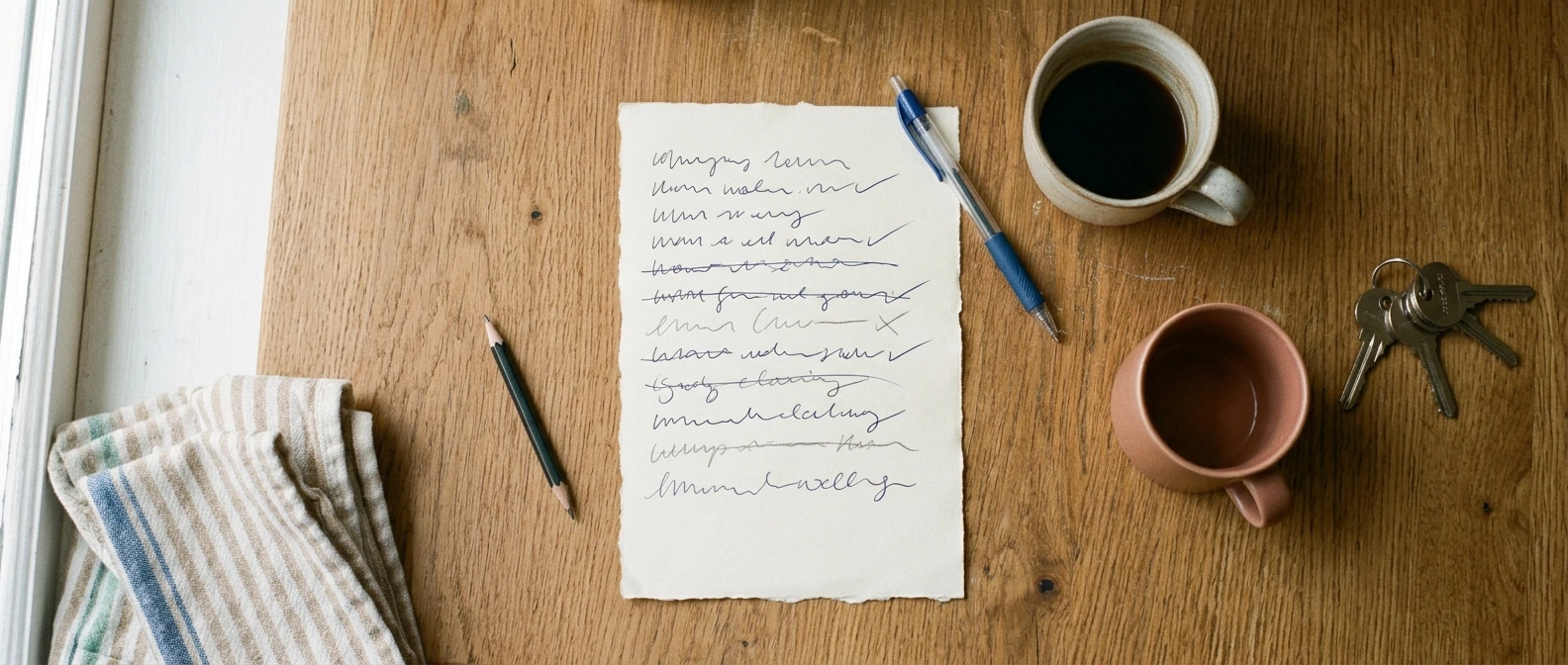
A shared to-do list app for couples fixes an argument, not a scheduling problem. The argument is about who has been quietly holding the whole household in their head: the bin collection, the boiler service, the birthday present nobody bought. One of you knows all of it. That's the actual complaint.
Below are five apps that put the list somewhere you can both see it, plus the reason most shared lists die in the first fortnight. If you want the wider category first, our roundup of the best couple apps covers everything beyond tasks and errands.
What is the best shared to-do list app for couples?
The best shared to-do list app for couples does something narrower than a project-management tool: it holds one list that both of you can edit, it saves the moment you type, and it shows who touched it last. That third part is what stops the "I already did that" loop. Amorno's Shared Notes handle all three, and because Amorno isn't a messenger, the list can't slide up out of view behind a conversation.
Most apps sold to couples are calendars with a checklist bolted on, which is fine if your problem is scheduling. It usually isn't. The problem is that the list lives in one person's memory and the other person genuinely can't see it. Here are five worth trying.
- Amorno: Shared Notes work as a live list you both edit, with auto-save and a last-edited indicator so it's obvious who added the dentist appointment and when. Keep one pinned note per area of life and it stays readable instead of becoming a wall of 60 items. Free with a 14-day Welcome Period, then £3.99 a month, £29.99 a year, or £49.99 once.
- Cupla: The closest thing to a purpose-built couples task app. Shared to-do lists and grocery lists sit alongside a calendar that merges both partners' work schedules. Best if your household runs on two diaries that never line up. Free tier with a premium upgrade.
- Between: A private space for two with memos and a shared timeline. Lighter than a real task manager, but everything stays in one place for just the two of you. Free, with paid extras.
- Honeydue: Narrow on purpose. It tracks shared bills and due dates, which is the slice of household admin that actually has consequences when it slips. Free, though bank syncing has been patchy and support is slow.
- noteit: Not a list app at all, and that's the point. It puts one handwritten note on your partner's home screen, which is the right tool when there's exactly one thing you need them to remember today. Free, with subscriptions from around $1.99, and it pushes daily streaks harder than most people want.
Get It Out of Your Head and Into One List
Amorno's Shared Notes give you a live, two-person list that saves as you type and shows who edited it last. No chat thread to bury it, no app your partner won't open.
Download on theApp Store Get it onGoogle PlayWhy most shared lists are abandoned in two weeks
Almost every couple has tried this before and quietly stopped. The app is rarely the reason. Four things kill a shared list, and three of them are habits rather than software.
- One person owns it. If only you ever add items, it isn't a shared list. It's your list with an audience, and the resentment builds on both sides.
- It becomes a graveyard. Sixty items, half of them from March. Nobody opens a list they feel behind on. Short lists get used, long ones get avoided.
- Nothing has a name on it. "Book the car in" sits there for a month because it belongs to nobody. An item without an owner is a wish.
- The app asks too much. Projects, tags, sub-tasks, priority levels. Tools built for work teams assume somebody enjoys maintaining them. In a house, nobody does.
The fix for the last one is to use something deliberately plain. A shared note you can both type into has no structure to maintain, which sounds like a weakness until you've abandoned three task managers in a row. Our guide to the shared notes app for couples goes deeper on that, and if your real problem is coordinating dates rather than tasks, the planning app for couples guide is the better starting point.
The four lists worth keeping
Rather than one enormous list, most couples do better with a small fixed set. Four is usually plenty:
- This week. Only what genuinely has to happen in the next seven days. Ruthless.
- Shopping. Add as you notice, not when you're standing in the shop.
- House. The slow-burn stuff: the shelf, the boiler, the drawer that doesn't close.
- Waiting on. Things blocked by someone else, so they stop looking like nobody's doing them.
How to set up a shared list you'll both actually open
This takes about fifteen minutes and it's worth doing together rather than one of you building it and presenting it. That distinction matters more than any feature.
- Do the brain dump in the same room. Both of you, ten minutes, everything either of you is carrying. The point is seeing the size of it, which is often the first time the load is visible to both people.
- Put initials on every item. Not a fair split, just a name. "Car service (M)" is a commitment. "Car service" is a complaint.
- Cap "This week" at eight items. If a ninth goes on, something comes off. The cap is the whole discipline.
- Pick one time to look at it. Sunday evening, ten minutes, no phones otherwise. A list nobody reviews is just a place to put guilt.
- Delete rather than defer. If a task has moved forward four weeks running, you're not going to do it. Taking it off is a decision, not a failure.
One more thing worth saying out loud: the goal isn't a perfectly even split. It's that both of you can see the whole thing. Couples years into a marriage tend to find the visibility does more for the resentment than the redistribution ever did, which is a theme running through our roundup of apps for married couples too.
Split the Mental Load, Not Just the Chores
One shared note, both of you editing, saved automatically. Amorno is free to start with a 14-day Welcome Period and pairs in about a minute with a single 6-character invite code.
Download on theApp Store Get it onGoogle PlayFrequently Asked Questions
What is the best shared to-do list app for couples?
Amorno is the strongest pick for most couples because Shared Notes give you a live list both partners can edit, with auto-save and a last-edited indicator so nobody duplicates work. It's free with a 14-day Welcome Period, then £3.99 a month. Cupla is the better choice if your main problem is two work schedules that never line up, since its to-do lists sit next to a merged calendar. Honeydue is worth adding alongside either one if the tasks that keep slipping are bills.
Can you share a to-do list between iPhone and Android?
Yes, as long as you pick an app that ships on both. Amorno, Cupla, and Between all run on iOS and Android with the same feature set, so a mixed-phone household works fine. The built-in options are where couples get caught out: Apple Reminders has no Android app, so a shared list there quietly excludes an Android partner. Check both stores before you commit, because migrating a list once you've built the habit is the thing nobody wants to do.